






How to Print a Bill
To print a bill using OnTrack AI Offline POS & eStore, follow these steps:
1. Open the OnTrack AI Offline POS & eStore and log in.
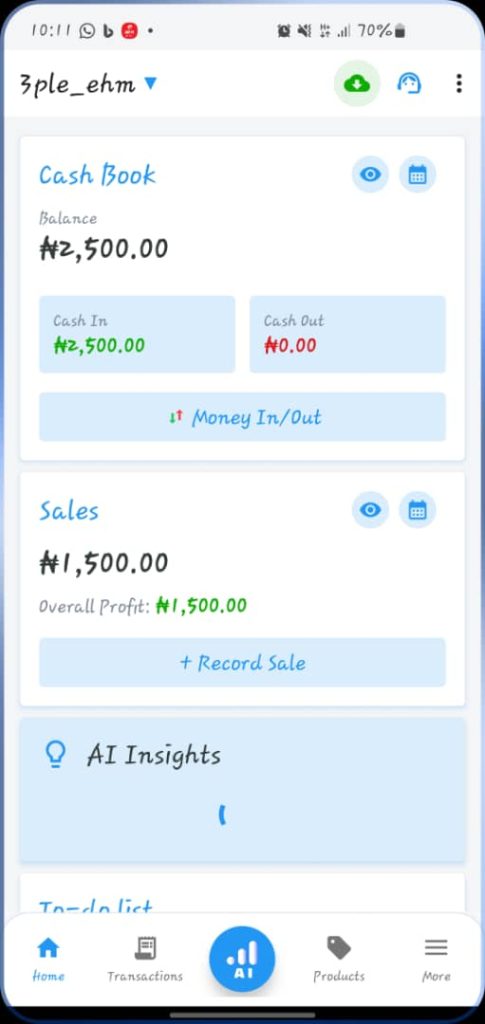
2. Click on the “Transactions” tab from the bottom taskbar.
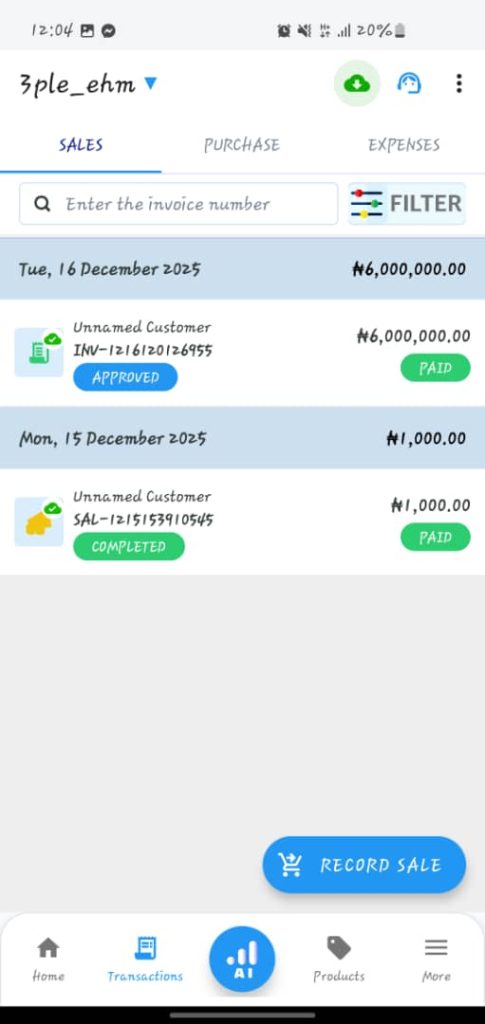
3. Select the record you want to print. This will open the receipt.
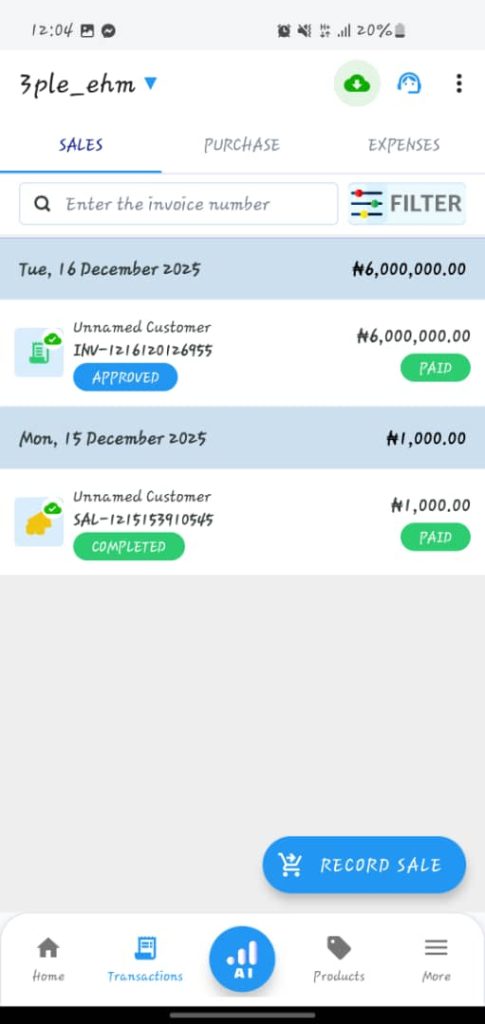
4. Alternatively, when you tap the “Confirm” button at the end of creating a due invoice, this will open the “Transaction Successful” page. Click the “Open Receipt” button.
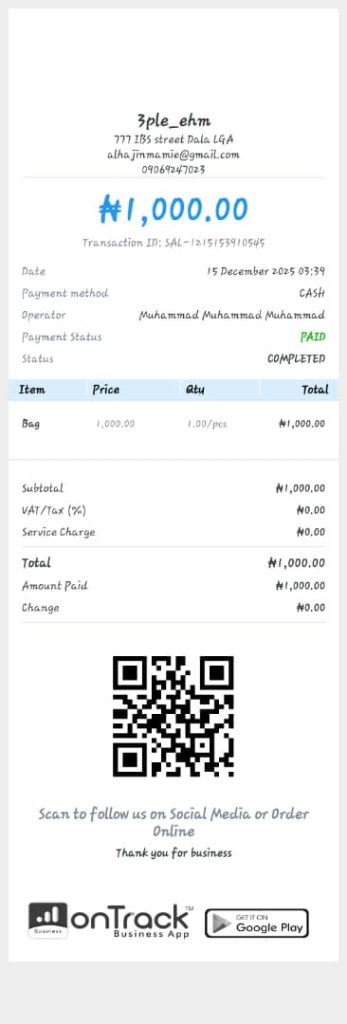
4. Tap the “Print Receipt” tab, located at the top left corner, and print the receipt.
