






Device CameraHow to Sell Items Using Barcode Scanners with a Built-in
1. Open the OnTrack AI Offline POS & eStore and log in.
2. Click on the “Record Sale” button, You will be directed to the Select Products page.
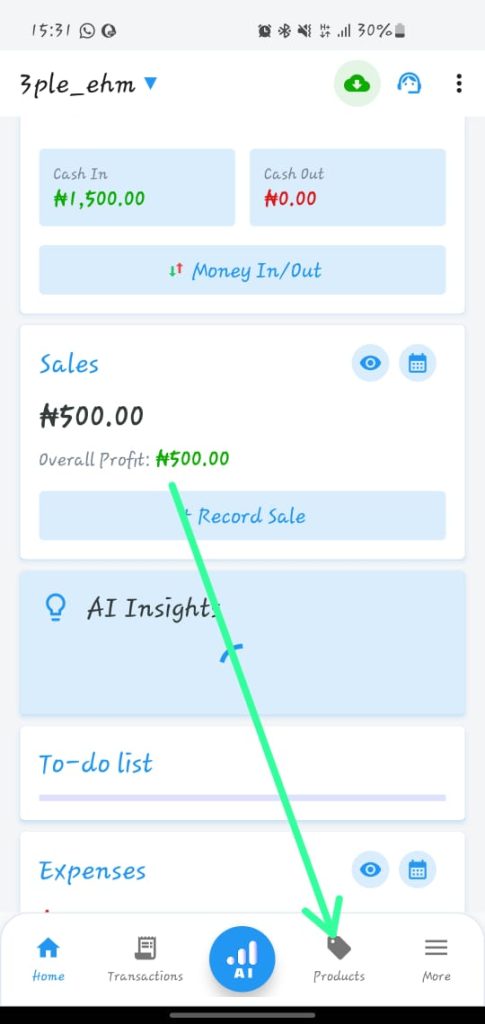
3. Then click on “Record Sale”
4. Click on next or new product
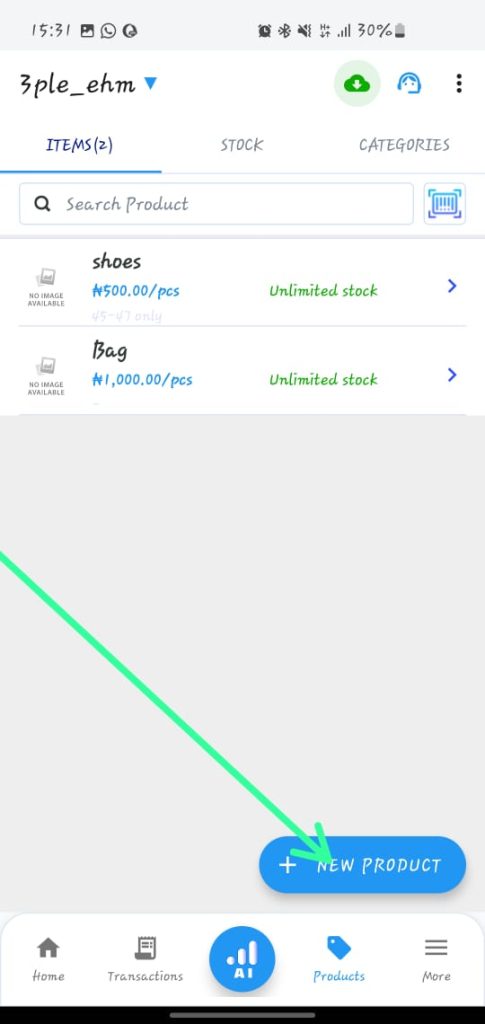
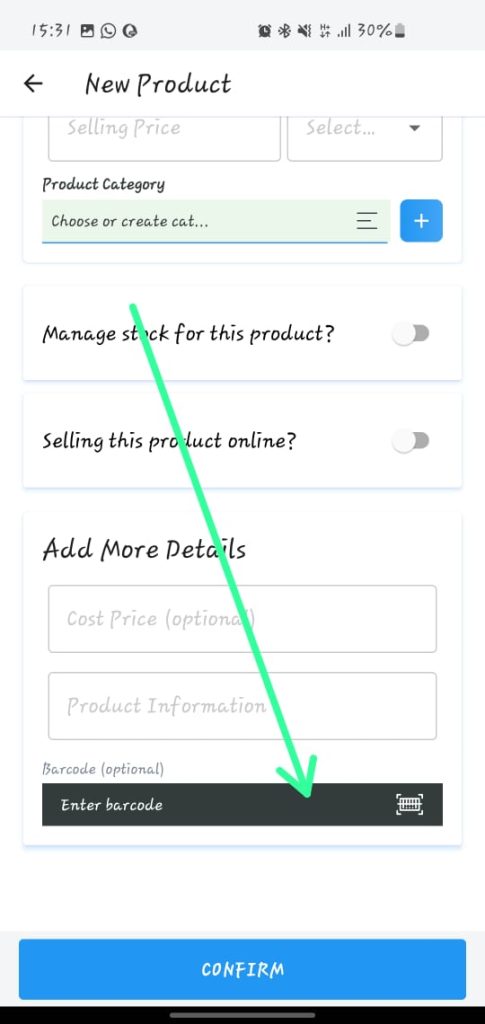
5. Select the product and click on pay using barcode and fill the barcode number
6. Choose payment method (transfer, pos, other or pay later)
7. Click confirm payment
8. It will be successful
9. You will have an option to view receipt, close or new sale
