






How to Set Up Taxes and Service Charges in OnTrack Desktop
1. Open OnTrack Desktop App.
2. Log in with an Admin account.
3. From the dashboard, click Settings.
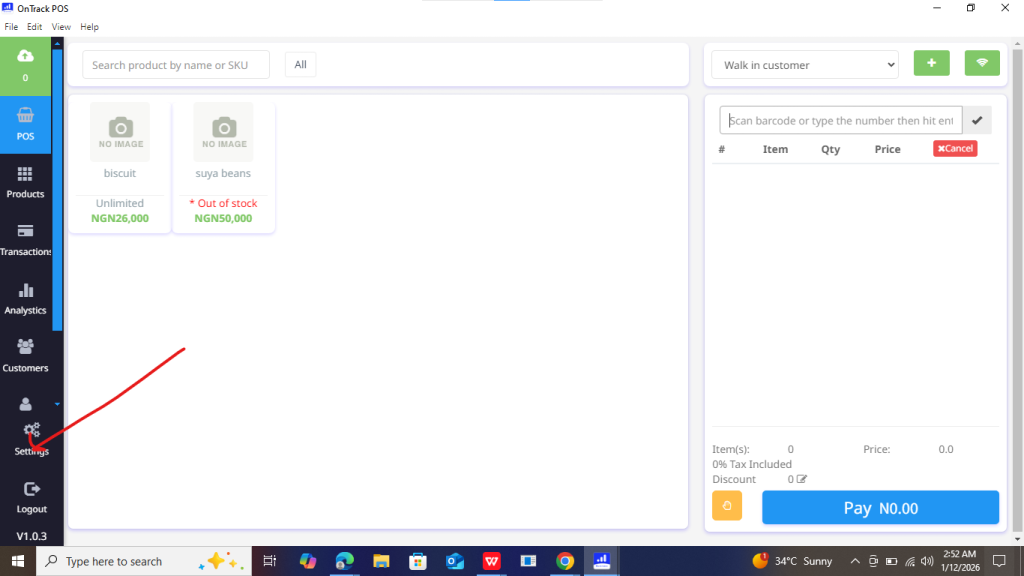
4. Select Tax & Charges or Invoice Settings (name may vary).
5. Click Add New Tax / Charge.
6. Enter the following details:
Tax / Charge Name (e.g. VAT, Service Charge)
Type (Tax or Service Charge)
Rate (percentage or fixed amount)
7. Choose how the tax applies:
Per item, or On total invoice
8. Enable the tax or service charge.
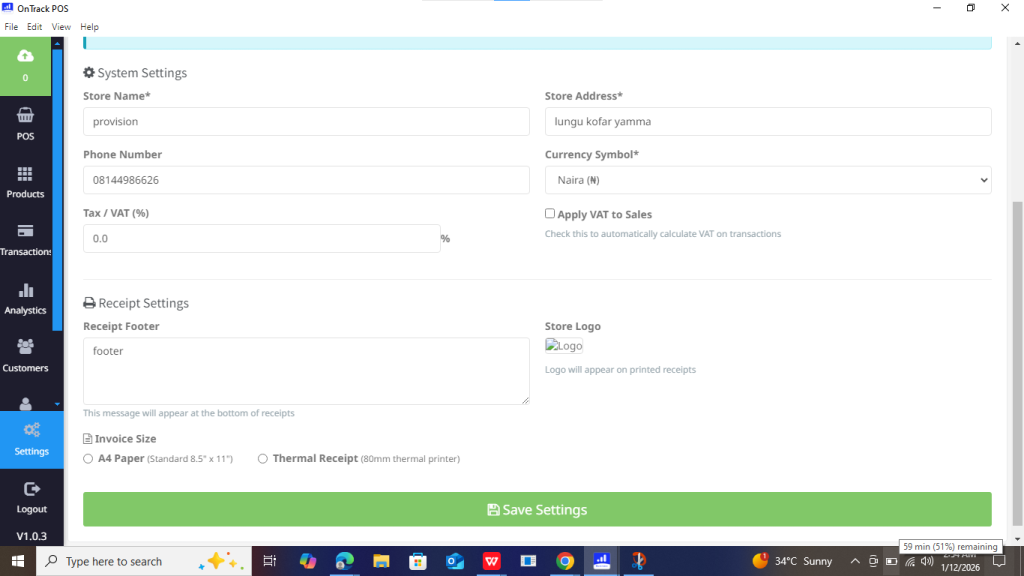
9. Click Save.
