How to update/edit Sale in OnTrack Desktop
1. Go to Sales History / Sales List.
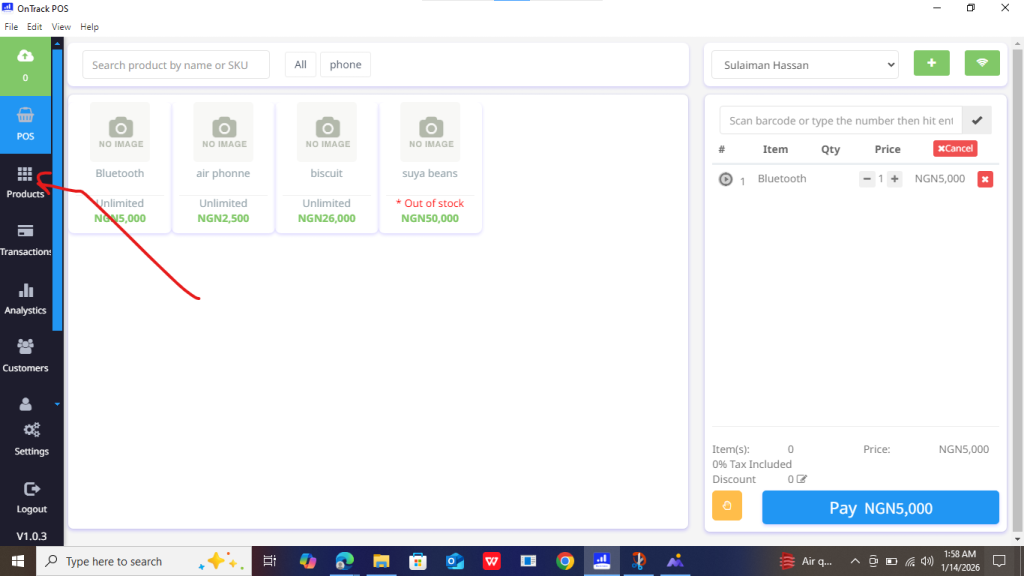
2. Click on the sale you want to edit.
3. Select Edit Sale.
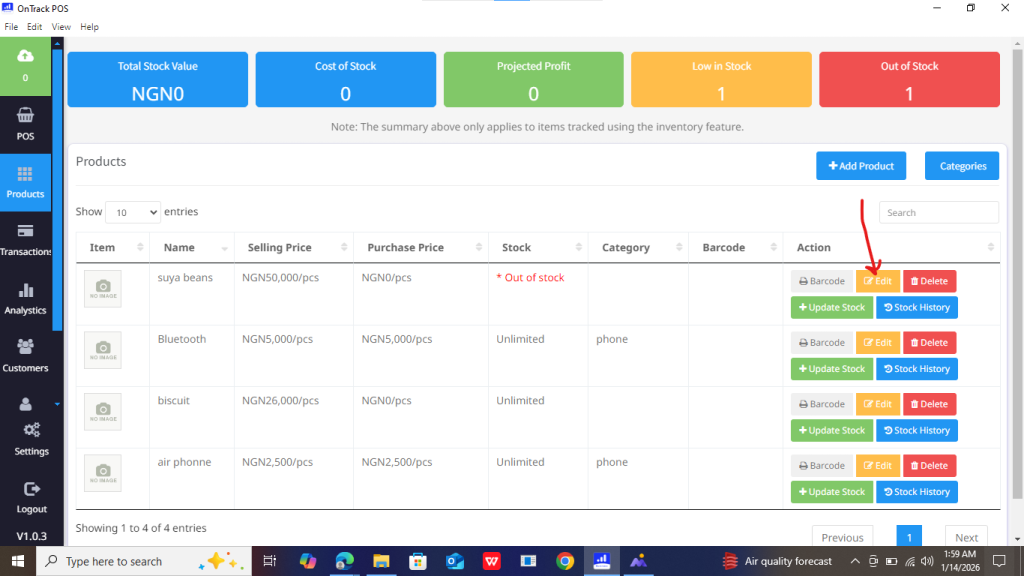
4. Update items, quantity, price, or customer details.
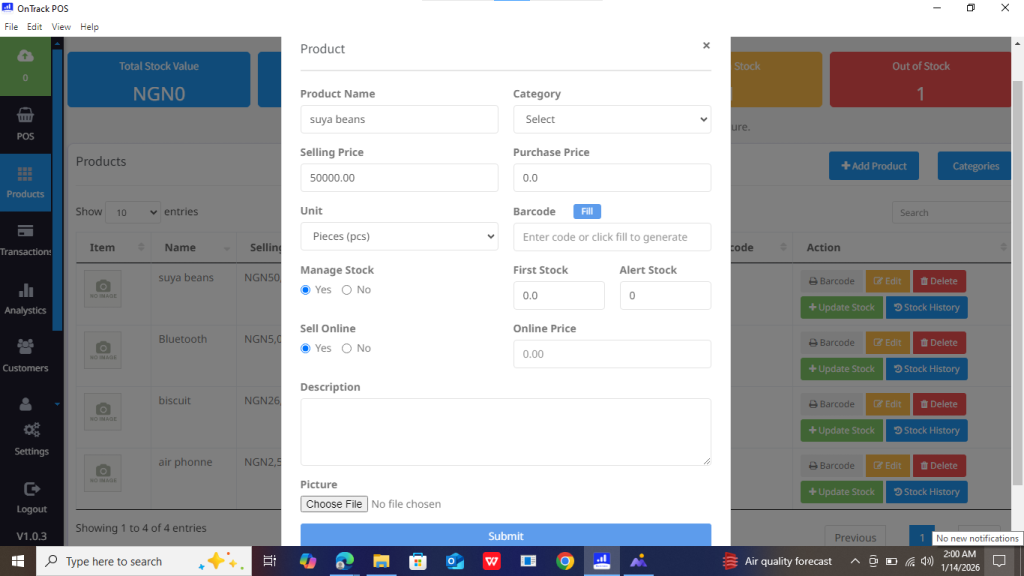
5. Click Submit Changes.







1. Go to Sales History / Sales List.
2. Click on the sale you want to edit.
3. Select Edit Sale.
4. Update items, quantity, price, or customer details.
5. Click Submit Changes.
