How to Record Sales in OnTrack Desktop POS
1. Open OnTrack Desktop App.
2. Log in with your username and password.
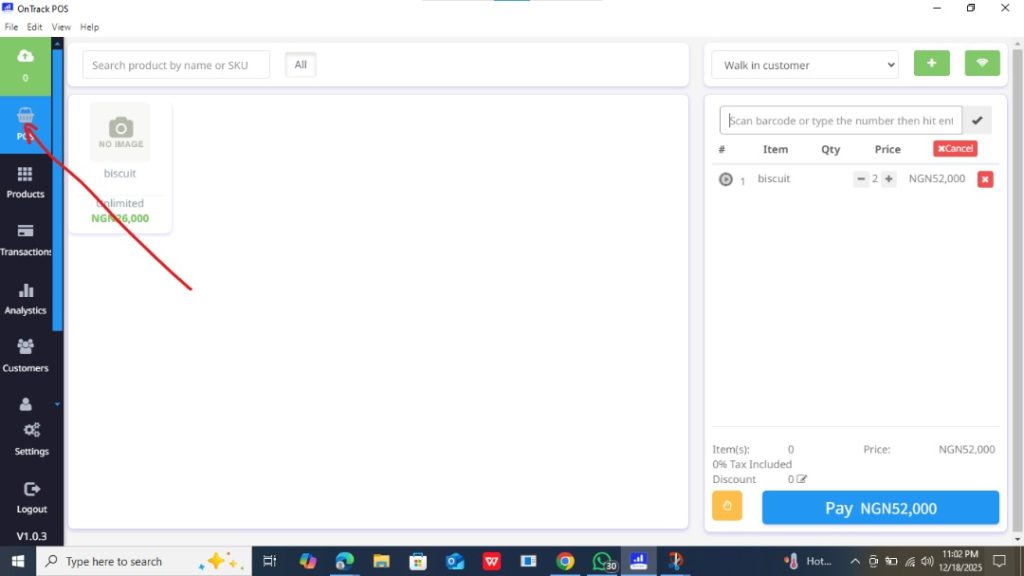
3. From the dashboard, click POS.
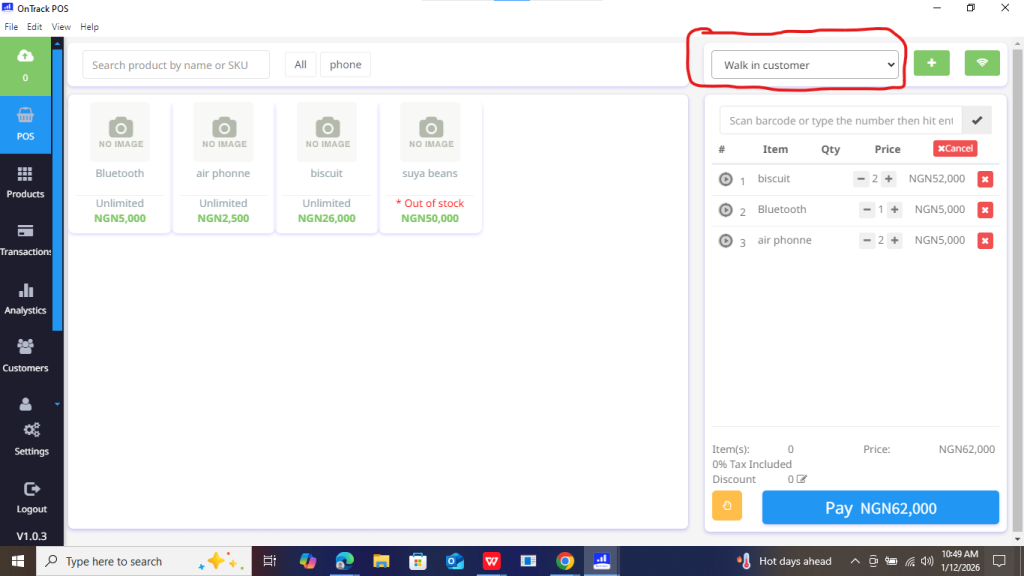
4. Select the customer (or leave as Walk‑in Customer).
5. Add items by:
Searching the product name, or
Scanning the barcode, or
Selecting from the product list.
6. Confirm prices and total amount.
7. Choose the payment method (Cash, Transfer, POS, etc.).
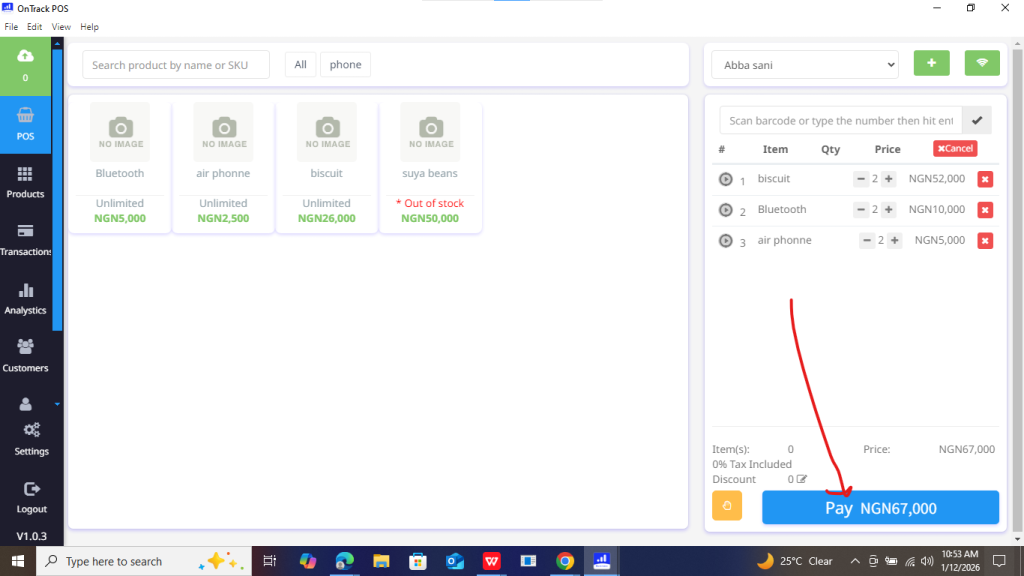
8. Click Save / Complete Sale.
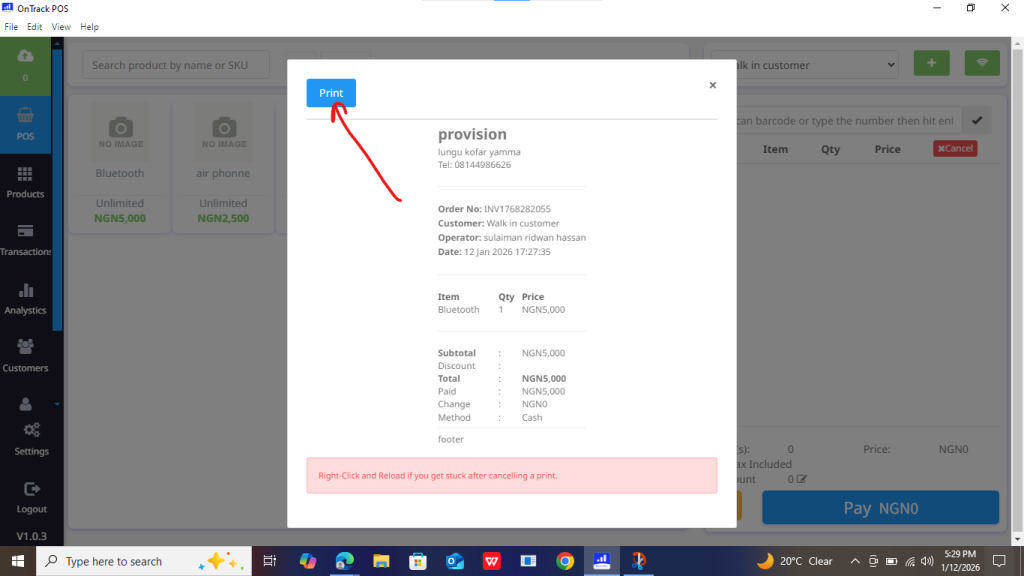
9. Print or share the receipt if required.