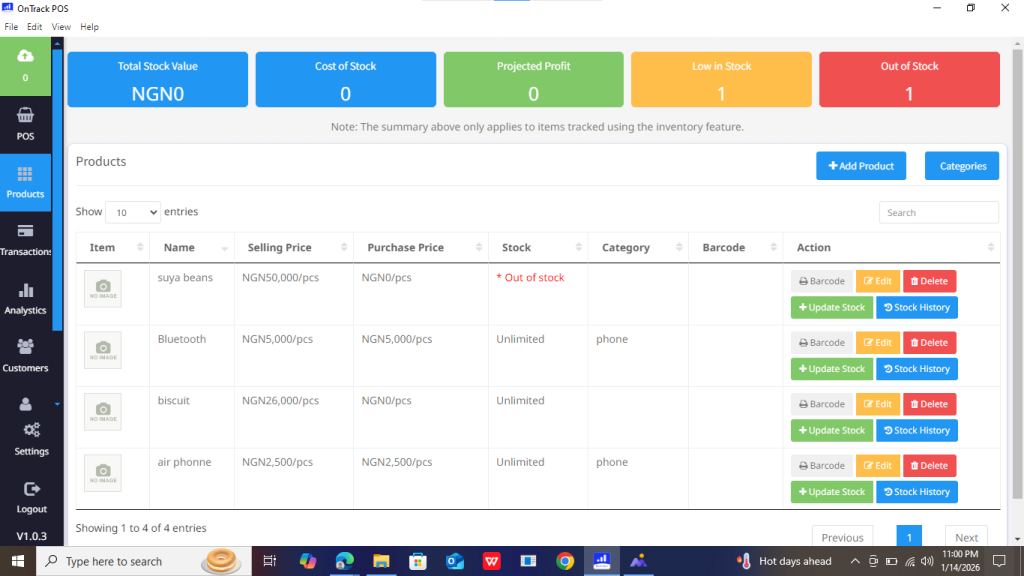
How to Display Inventory History in OnTrack Desktop
To view the inventory history of your products in OnTrack Desktop:
1. Launch the OnTrack POS App on your desktop and log in.
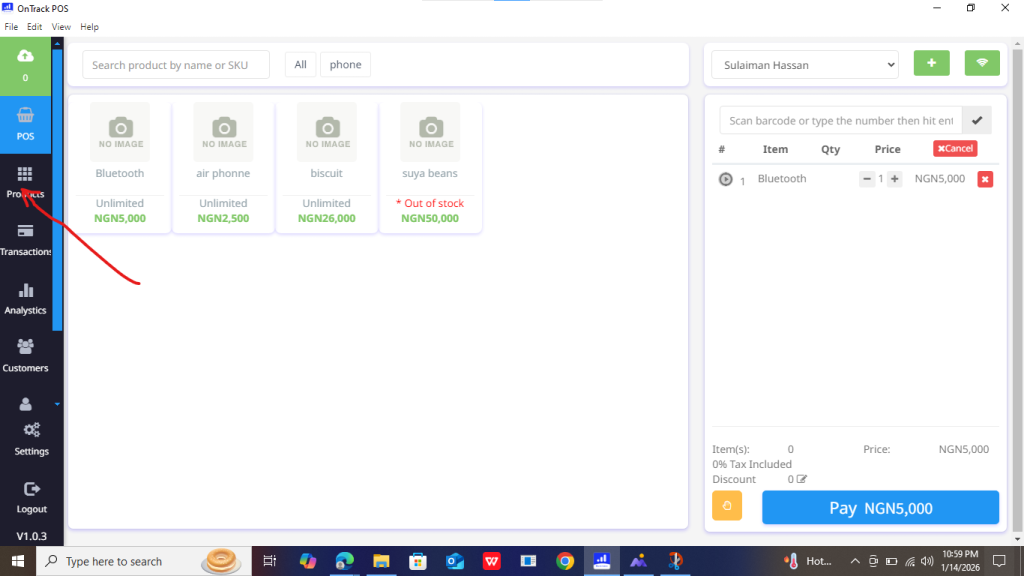
2. Navigate to the Products section using the left sidebar.
3. Here, you’ll find a list of all products, including details like prices, stock levels, and other relevant inventory data.