






How to Sell Items Using Barcode Scanners with in OnTrack Desktop POS
1. Connect the barcode scanner to the computer
2. Open Sales / POS.
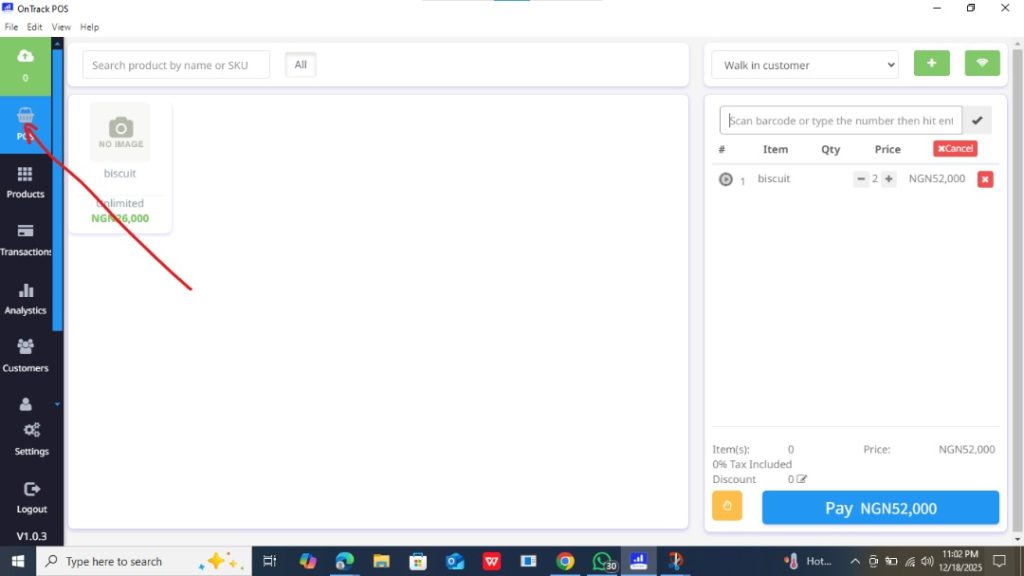
3. Click on the product search field.
4. Scan the item barcode.
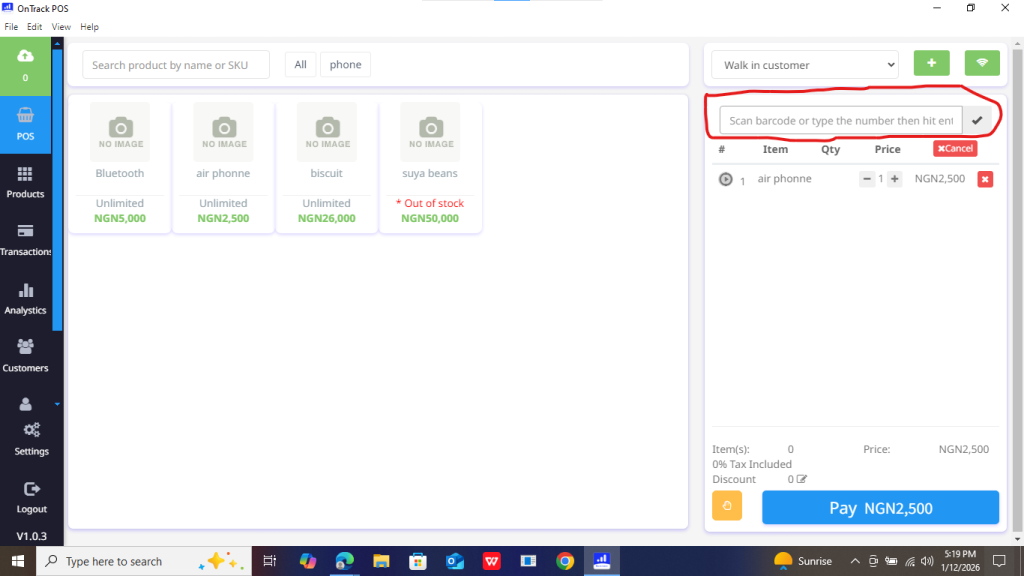
5. Product will be added automatically.
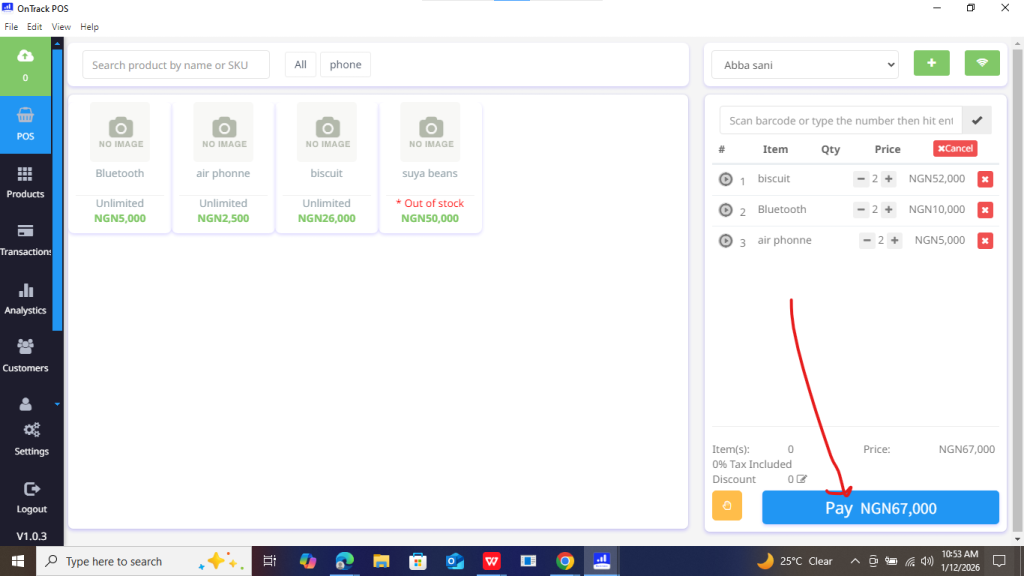
6. Complete the sale.
