How to delete a sale in OnTrack Desktop
1. Go to Sales History / Sales List.
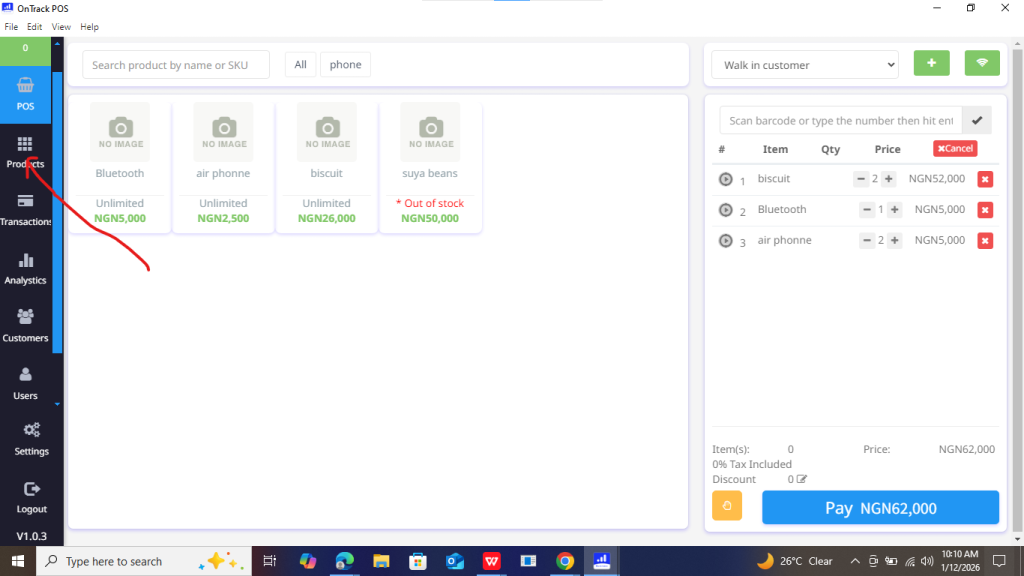
2. Search for the sale.
3. Click to open the sale.
4. Select Delete Sale.
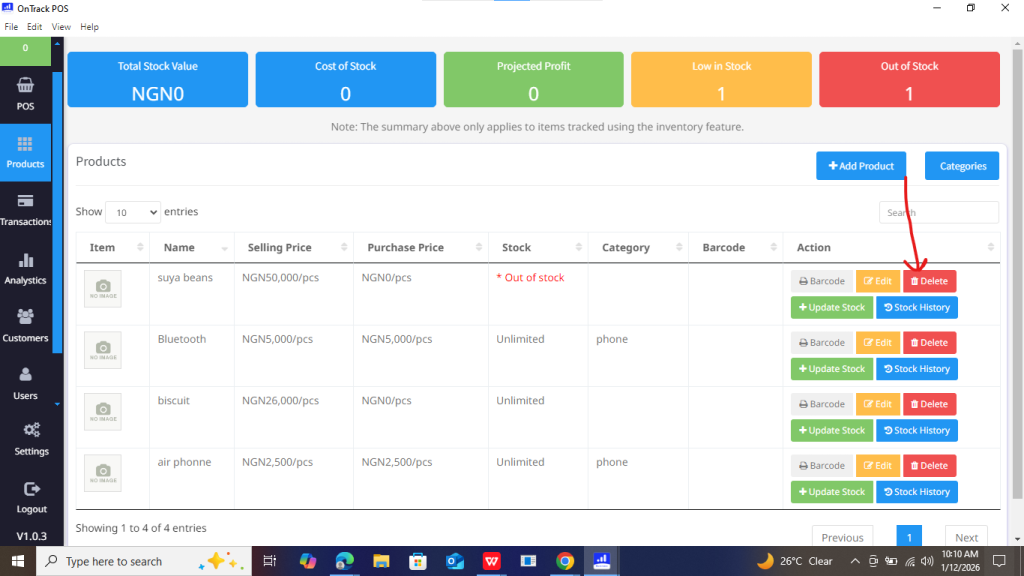
5. Confirm deletion.







1. Go to Sales History / Sales List.
2. Search for the sale.
3. Click to open the sale.
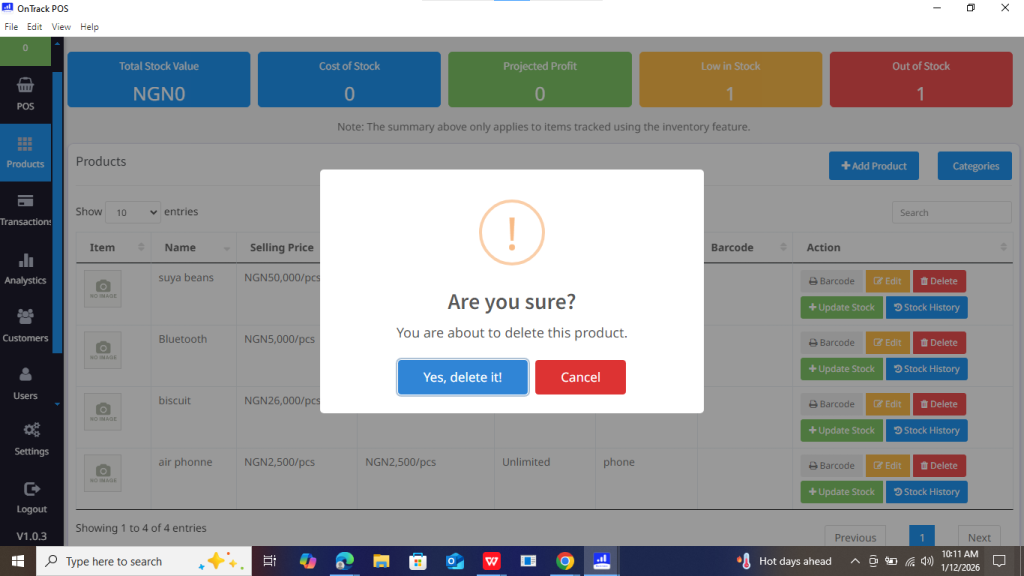
4. Select Delete Sale.
5. Confirm deletion.
