How to create a due invoice in OnTrack Desktop POS?
1. Go to Sales / POS.
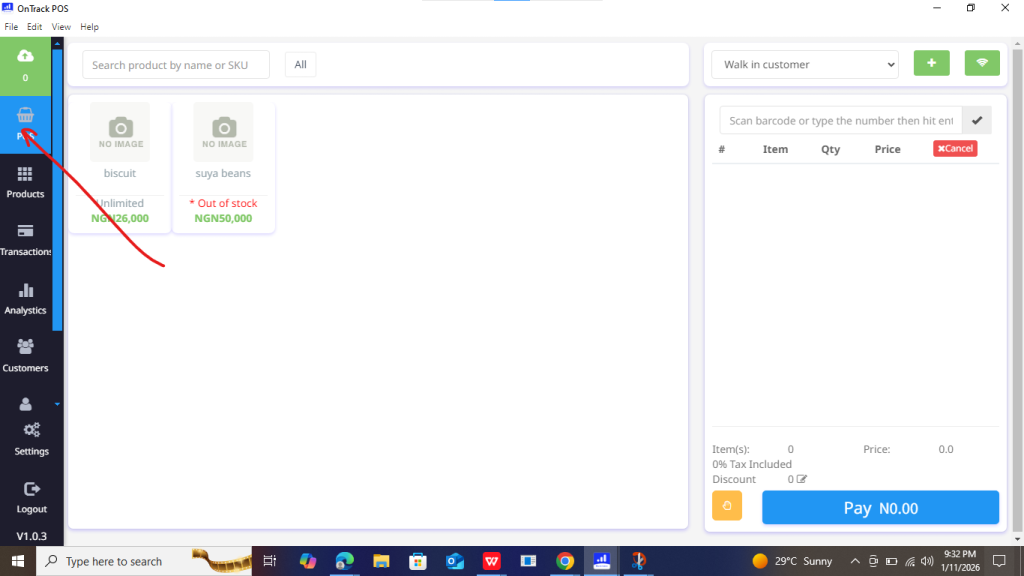
2. Select a registered customer.
3. Choose Credit / Due as payment type.
5. Enter the paid amount.
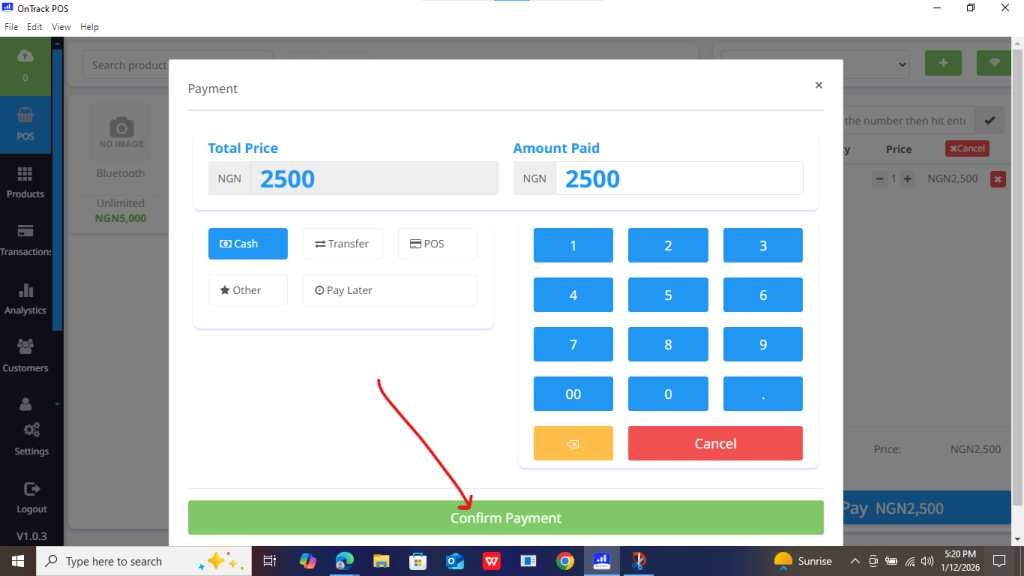
6. Click Save Invoice.







1. Go to Sales / POS.
2. Select a registered customer.
3. Choose Credit / Due as payment type.
5. Enter the paid amount.
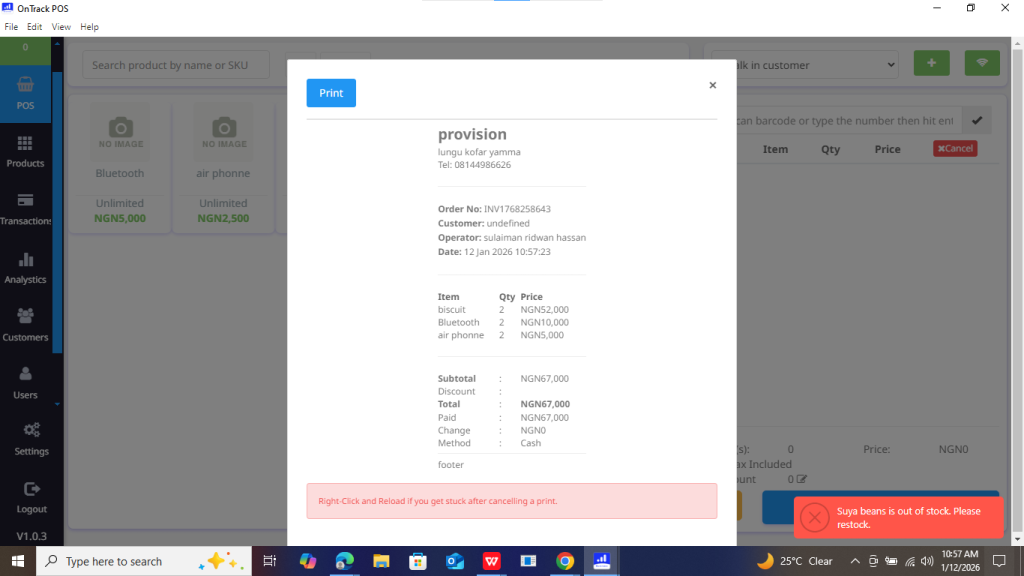
6. Click Save Invoice.
