






Receiving dues payment from the customer
1. Go to Customers.
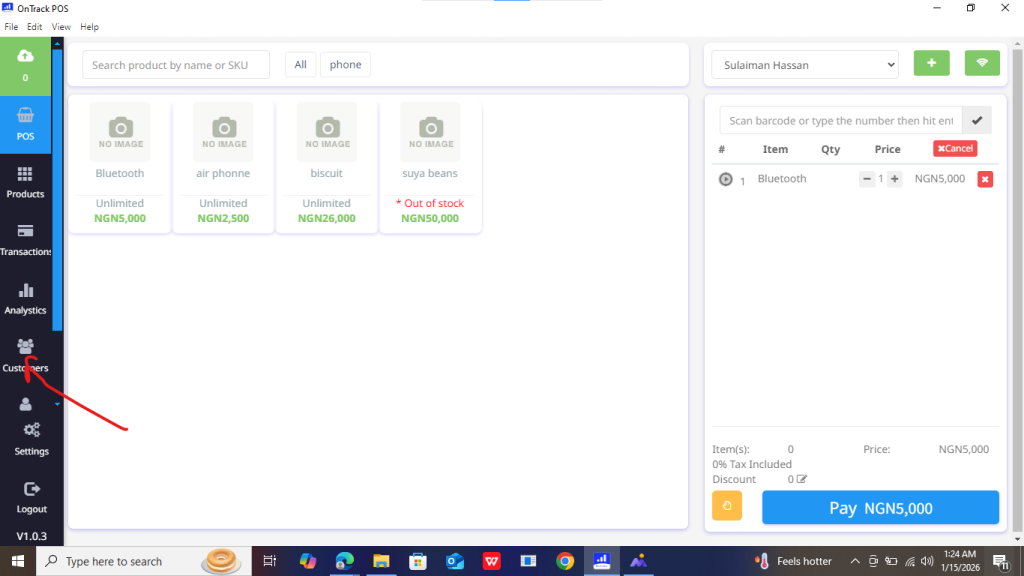
2. Select the customer with outstanding balance.
3. Open Due Invoices / Outstanding Payments.
4. Click on the invoice.
5. Click Receive Payment.
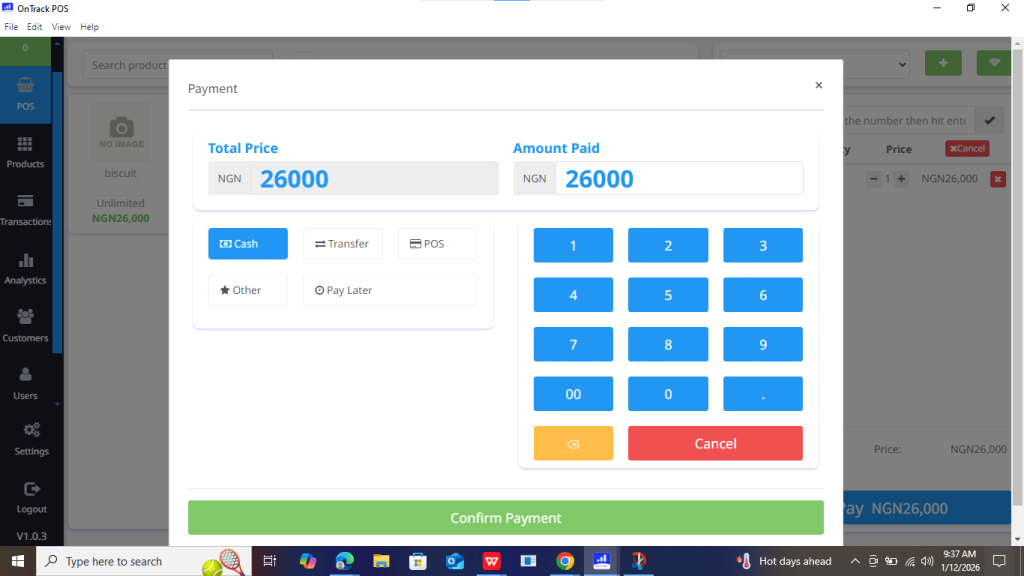
6. Enter the amount received.
7. Select payment method.
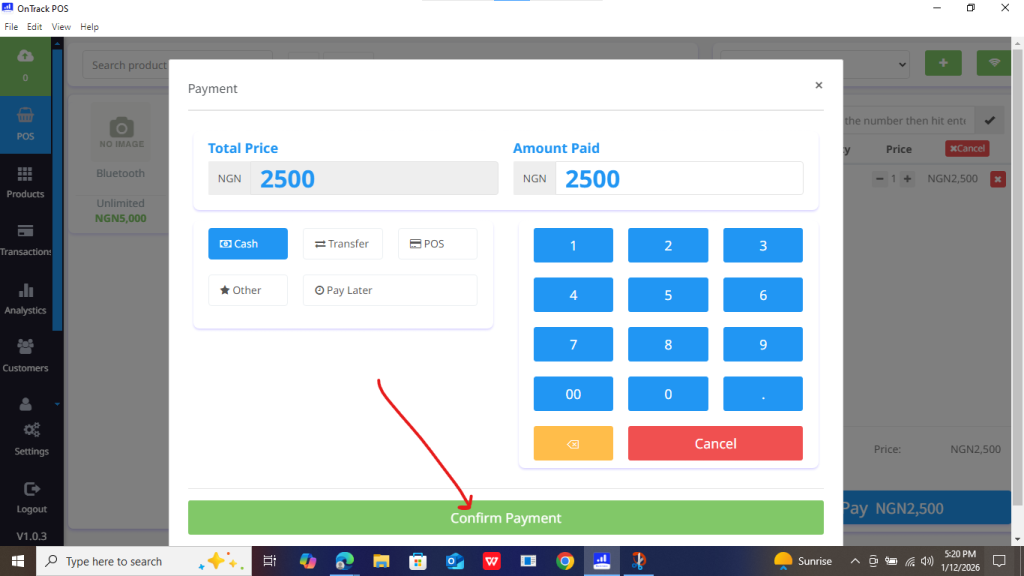
8. Click Save.
