How to delete customer payment
1. Go to Customers.
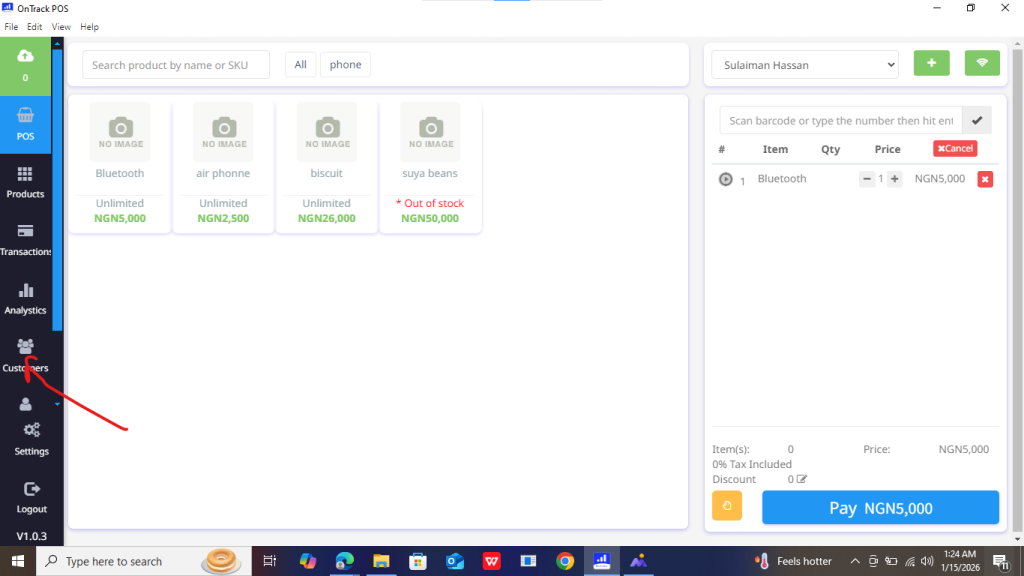
2. Select the customer.
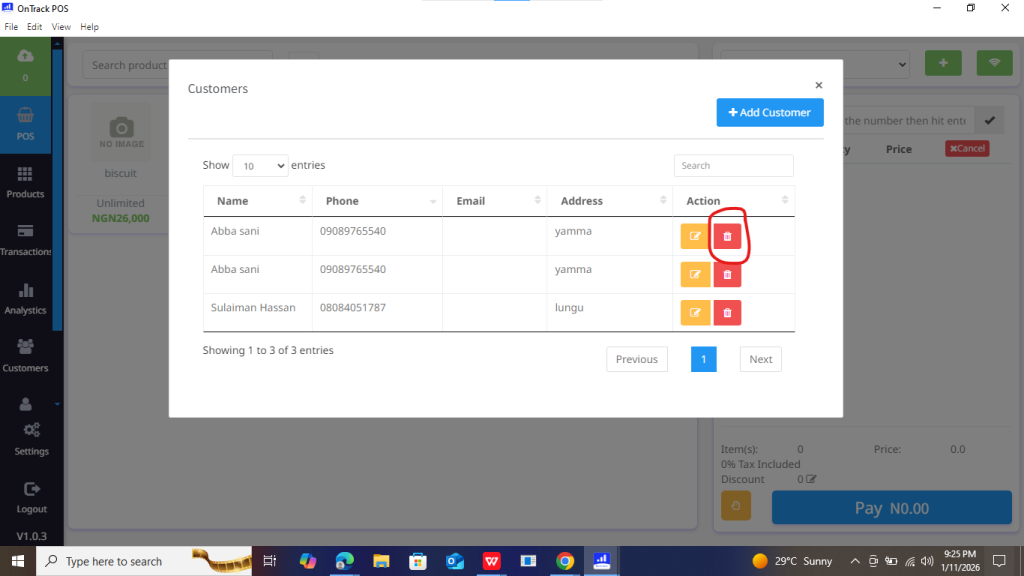
3. Open Payment History.
4. Select the payment record.
5. Click Delete Payment.
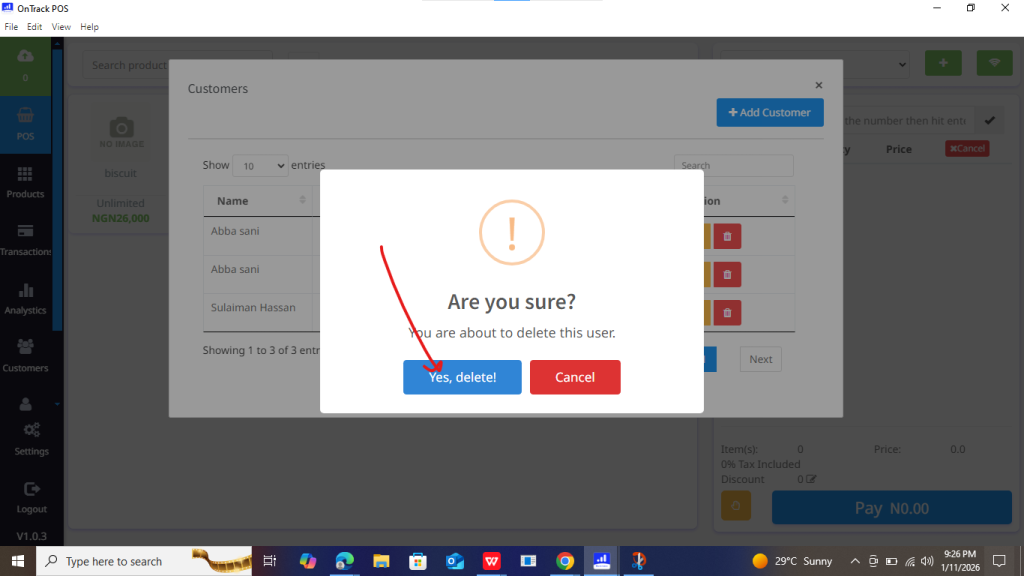
6. Confirm action.







1. Go to Customers.
2. Select the customer.
3. Open Payment History.
4. Select the payment record.
5. Click Delete Payment.
6. Confirm action.
